Autodock Vina and Autodock GPU Download Links
tldr: download link to vina: 1.2.7 windows ; and my awesome screening pipeline on gumroad if you’re tired of docking one ligand at a time!
Why
A while ago, I came across a Reddit post with a simple problem. The user went to the official site. Clicked download. Then greeted by this page.
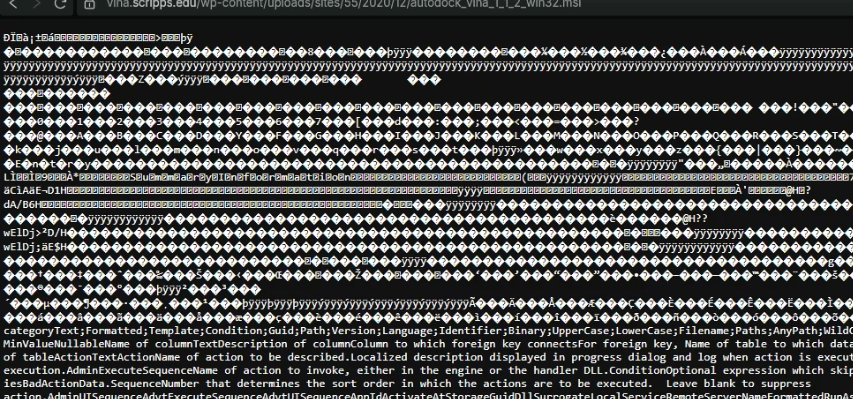
I had already downloaded the file earlier, so I just kept it on Limewire (file-hosting service) and shared the link. They thanked me. All good. But Limewire links expire in a week. So I uploaded and share a new link. Every now and then, somebody would comment they’re having the same problem. And I’d re-upload and share.
Today, I decided to host them here. I’m sure there’s a much simpler fix.
Direct download links for autodock vina and autodock gpu
Since you’re here, you might as well just download the files and get on with your day. Maybe check out my pipeline on gumroad if you’d like to save hours by automating your docking runs.
Autodock Vina
These are the latest versions (as of today) from the v1.2.7 release . The program is open-source, and the source code is available on their official repository .
1.2.7 windows (Normally, you want this)
These should work fine. Here’s the old version - vina v1.1.2 for Windows if you’d prefer that.
Autodock GPU
Supports GPU. If you’re on linux, you may want to compile from source if you want to get the best performance for your system. Here are the files for the adgpu v1.6 release :
My pipeline for automated docking
Once you get vina working, you run into a hassle - docking ligands to receptor, one at a time is a pain. I wouldn’t screen thousands of ligands against a receptor without a script, and neither should you!
To save myself (and you) hours of tedious work, I built a simple pipeline in Python. You just point it to a folder of your ligands, run a single command, and walk away. The script handles:
- Batch Docking: Screens 10 or 10,000 ligands automatically.
- Auto-Conversion: Uses OpenBabel to convert raw .pdb files to .pdbqt on the fly.
- Data Extraction: Parses all the messy logs and exports a clean CSV file ranking your best binding affinities (ΔG).
- 1-Click PyMOL Visualization: It writes a custom .pml script that instantly launches PyMOL, loads your receptor, colors your top hits, and animates a zoom right into the winning active site!
Get the pipeline here on Gumroad!
You get a slick pml file to see ligand-receptor after running the pipeline:
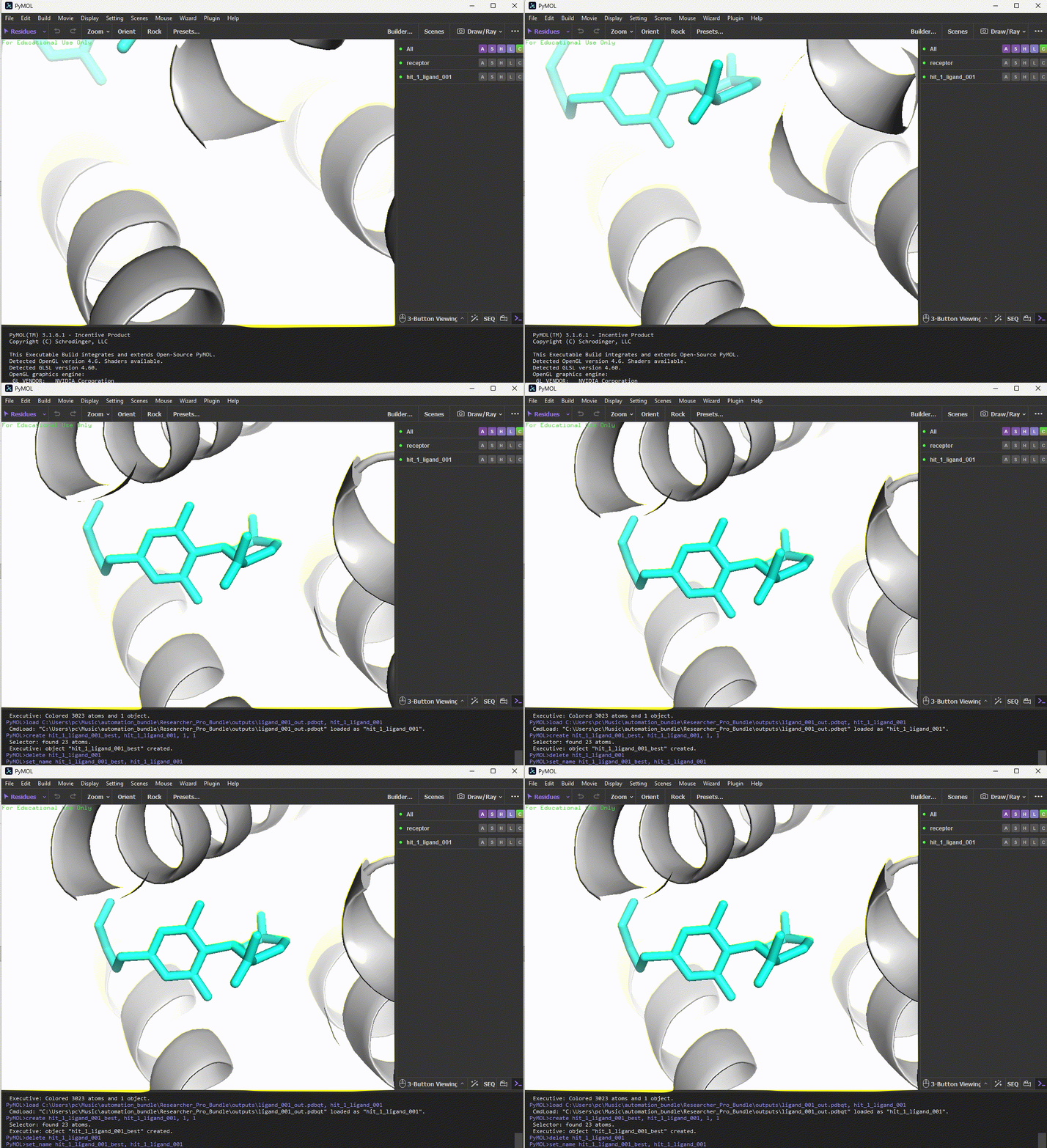
I’ve also included a PDF that explains grid boxes, binding affinities, and PATH setups; and you pay what you want. I think it’s probably worth it, especially if it saves somebody a couple hours every week. Feel free to let me if it helped you in some way.
The Issue
Back to vina’s download issue, their server is probably sending the Content-Type header as text/plain or some displayable instead of application/octet-stream or application/x-msi so your browser can’t tell if it’s an executable. So the browser tries to open it instead of downloading.
You can try ‘save link as’ to force a download. Or try the assets under v1.2.7 release on github
Footnotes
- Autodock vina and Autodock GPU are softwares for molecular docking. They’re open-source and the code is freely available under an Apache 2.0 license.
- Docking Screens for Drug Discovery covers docking (with AutoDock Vina), modern AI/ML approaches, and alphafold integration if you’re into research.